
Shopware · Ads
Google Ads for Shopware: Campaigns That Sell
By José Marcos
Campaigns do not fail because of the campaigns themselves — they fail because of what lies beneath. Here is the right order to make Google Ads profitable for your Shopware store.
Conversion tracking is the prerequisite
Before investing a single penny, your store must measure accurately. The key event is purchase, and it must be sent with transaction_id (to avoid duplicate conversions), value and currency (to calculate the real return) and items (to attribute sales to specific products). The standard implementation is via Google Tag Manager, firing the event on the order confirmation page with the real purchase data. Without this, Google optimises blindly.
Connecting Shopware with Google Merchant Center
The product feed is the fuel for Shopping and Performance Max. There are three ways to connect it: the official Shopware plugin for Merchant Center, which syncs the catalogue automatically; a manually generated or scheduled XML feed, more laborious but with total control; or third-party tools like Channable, which add advanced feed transformation rules for complex catalogues. The right choice depends on the size and complexity of your catalogue.
A campaign structure that works
An effective structure combines three pieces. Performance Max to cover Google's entire inventory (Shopping, Search, Display, YouTube) with AI optimising the spend. Standard Shopping when you want more manual control over specific products or margins. And dynamic remarketing to re-engage users who already visited the store or abandoned the cart with the exact products they viewed. The goal is not to choose one, but to orchestrate all three.
Optimise your feed titles
In Shopping, the product title has the most impact on which searches your products trigger. An optimised title includes what the customer is looking for: product type, brand, model, key feature and, where relevant, size or colour. Switching from a generic title to one structured by search intent can multiply qualified impressions without touching the bid.
Are your Google Ads campaigns not performing on Shopware?
We review your tracking, feed and campaign structure, and tell you exactly where the budget is being wasted and how to recover profitability.
Contact usROAS, not CPC: the right metric
Optimising for cost per click leads to wrong decisions: a cheap click that does not sell is expensive, and an expensive click that generates a profitable sale is a bargain. The metric that matters in ecommerce is ROAS (Return on Ad Spend): how many pounds of sales each pound of spend generates. The entire structure — measurement, feed and campaigns — exists to enable ROAS optimisation with reliable data.
Make your Google Ads investment sell
We set up and optimise your Shopware Google Ads campaigns with reliable measurement and a focus on return, not vanity metrics.
Frequently asked questions
What do I need before launching Google Ads on Shopware?
How do I connect Shopware with Google Merchant Center?
Performance Max or standard Shopping?
Why is the product title in the feed so important?
Should I optimise for CPC or ROAS?
Free diagnosis of your website in 24 h
SEO, visibility in AI and your Google Business Profile in the same report, with the highest-impact actions. No cost and no commitment.
Request free diagnosisRelated articles

WooCommerce vs Shopify for Your Store in 2026
WooCommerce vs Shopify in 2026: an honest comparison of 3-year costs, control and commissions, with a recommendation by business type and a word on Shopware.
Read article →
Google Merchant Center for Ecommerce
Complete guide to setting up Google Merchant Center for your online store. Product feed, common errors and link with Google Ads.
Read article →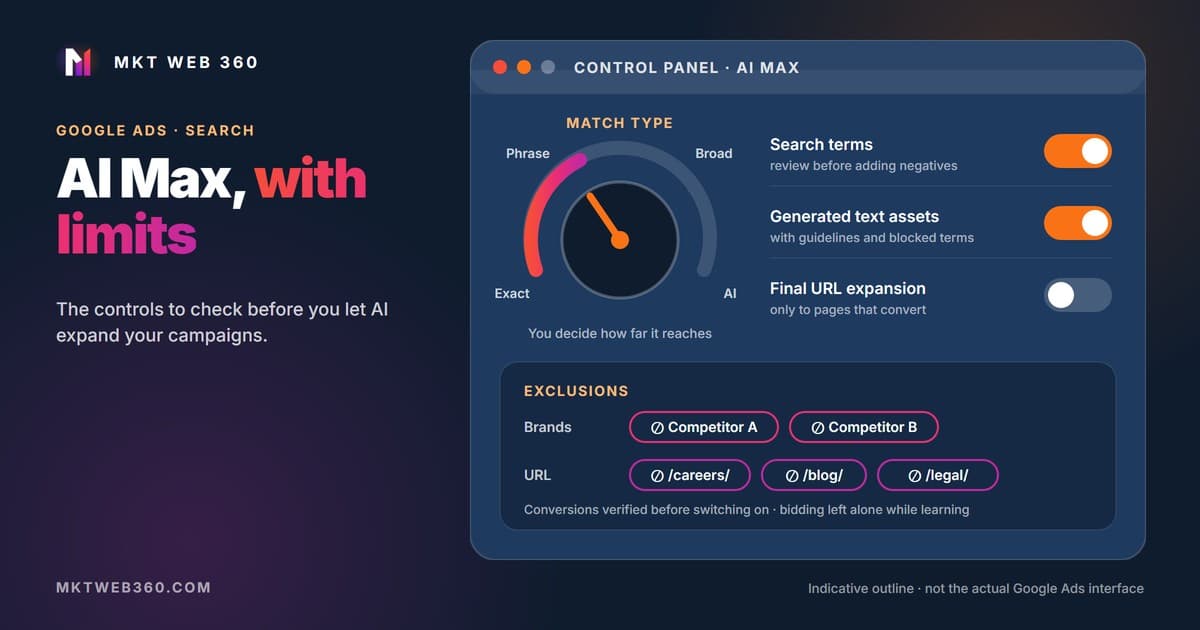
Google Ads AI Max: What It Is and How to Control It
AI Max expands your Search campaigns with AI. How it differs from broad match and DSA, when Google migrates campaigns, and 7 checks before you turn it on.
Read article →