
Web Design
Web design for SMEs: what your website needs to convert visitors into clients
A good-looking website that does not sell is useless. This guide explains which elements are essential, which mistakes most SMEs make and how to make your website work for your business 24 hours a day.
The 7 elements that no SME website can be without
An effective website for an SME is not the most beautiful or the most technically sophisticated. It is the one that answers the right questions in the right order and makes it as easy as possible for the visitor to take action.
1. Clear value proposition on the homepage: Within the first 5 seconds, the visitor must understand what you offer, for whom and why they should choose you. If your homepage says 'Welcome to our company' or describes what you do in generic terms, you are missing opportunities.
2. Visible and repeated CTA: The 'contact', 'request a quote' or 'call now' button must be visible without scrolling on the homepage and repeated at strategic points on every page. Many SME websites have the contact information buried in the footer.
3. Social proof: Client reviews, logos of companies you have worked with, number of projects completed, years of experience. Social proof converts undecided visitors into clients because it reduces perceived risk.
4. Detailed service pages: Each service or business line should have its own page with a detailed description, client benefits, the working process and a specific CTA. Generic service pages do not rank well in Google nor do they convert visitors effectively.
5. Team or owner information: SMEs sell trust and personal relationships as much as services. An 'About us' section with real photos of the team humanises the company and builds trust, especially for high-involvement services.
6. Working contact form: It seems obvious, but there are tens of thousands of websites with contact forms that do not work or that send messages to an email that nobody checks. Test your form from different devices regularly.
7. Clear local information: For businesses with a physical presence or that serve a specific geographic area, the address, phone number and coverage area must be easily visible. This is especially important for local SEO.
Speed and performance: why it matters more than design
A slow website is a website that does not convert. Google knows it, users know it (even if they do not articulate it that way) and the data confirms it: every additional second of loading time reduces conversions by approximately 7%. A website that takes 4 seconds to load may be losing 20% of its potential conversions compared to one that loads in 1 second.
Google's Core Web Vitals (LCP, INP and CLS) are performance metrics that also affect search rankings. A website that does not meet the minimum thresholds for these metrics has an implicit penalty in Google rankings compared to faster websites with similar content.
The factors that most negatively affect speed are: unoptimised images (the most common error), poor or shared hosting, excessive third-party plugins and scripts, and unminified CSS/JavaScript code. Most of these problems can be solved without redesigning the website.
You can measure your website speed with Google PageSpeed Insights (free) and get a prioritised list of improvements. Scores above 80 on mobile are considered good. Below 50 on mobile is a serious problem that is likely affecting both your SEO rankings and your conversion rate.
Technical SEO from day one
Technical SEO is not something added to a website after it is built — it must be integrated from the initial design. Building a website ignoring technical SEO and then trying to 'fix it' is much more expensive and complex than doing it right from the start.
The basic technical elements that every SME website must have are: clean and descriptive URL structure (not '/page?id=123' but '/services/plumbing/'), unique title tags and meta descriptions for each page, correct hierarchical headings (a single H1 per page, H2 for sections), alternative text on images, XML sitemap and correctly configured robots.txt file.
HTTPS (SSL certificate) is mandatory today. Browsers mark websites without HTTPS as 'not secure' and Google penalises them in rankings. Most modern hosting providers offer free SSL certificates with Let's Encrypt.
For local businesses, structured data (Schema.org) is particularly valuable. Implementing the LocalBusiness markup with your name, address, phone number and opening hours helps Google understand and correctly display your information in local search results.
Web copywriting: how to speak to your ideal client
Copywriting is the text on your website. And it is probably the most underestimated element in SME web design. Many websites are designed visually to a high standard but fail because the text talks about the company instead of talking to the client.
The most important rule of copywriting for SMEs is to orient the text towards the client's benefit, not the service's features. Instead of 'We offer plumbing services with 15 years of experience', write 'Your problem fixed today, no surprises on the price'. The former talks about the company; the latter talks about the client's problem and how it is resolved.
Use the language your client uses, not the technical language of your sector. If your client searches for 'fix leak' and you use 'repair of roof waterproofing infiltrations', you are speaking different languages — and losing SEO rankings as well as clarity.
The F-shaped reading pattern that users follow on the web (they read the first lines, then scan the left side) means that the first words of each paragraph must be the most informative. Users rarely read all the text; they scan in search of words that confirm they are in the right place.
CTAs that convert: where to place them and how to write them
The Call to Action (CTA) is the button or link that invites the user to take the next step. It is the element that converts a visitor into a lead. A poorly written or poorly positioned CTA can significantly reduce a website's conversions, regardless of how good the rest of the content is.
In terms of position, the first CTA must be visible without scrolling on the homepage (above the fold), must be repeated after each relevant content section and must have a fixed place in the header for internal pages. For long pages, a floating or sticky button improves accessibility.
The CTA text must be specific and action-oriented: 'Request a free quote', 'Call now', 'Check availability'. Avoid generic terms like 'More information', 'Submit' or 'Click here'. The user must know exactly what is going to happen when they click.
Web design errors that cost clients
Website not adapted for mobile: More than 60% of web traffic comes from mobile devices. A website that works well on desktop but poorly on mobile is discarding more than half of its potential visitors. It is not enough for it to 'display' on mobile — it must be comfortable to navigate and use on small screens.
Image slider on the homepage: Sliders or image carousels on the homepage are one of the most widespread and least effective design elements. Statistics show that less than 1% of users click on slides other than the first one. They are slow, distracting and do not convert. A static hero with a good headline and CTA works much better.
'Under construction' page or sparse content: A website with few pages, without valuable content and with generic information communicates disinterest. Google penalises it in SEO and users interpret it as a lack of professionalism.
Contact form as the only option: Offer multiple ways to get in touch: form, visible phone number, email, WhatsApp. Each user has their preferred channel, and limiting options unnecessarily reduces conversions.
Not updating the website: A website with news from 2021, outdated opening hours or expired promotions damages trust. Your company website is the first impression for many potential clients — make sure that impression is the right one.
Do you need help with your digital marketing?
Tell us about your project and we will get back to you within 24 hours.
Related articles
Landing Page: What It Is, Examples That Convert, Mistakes
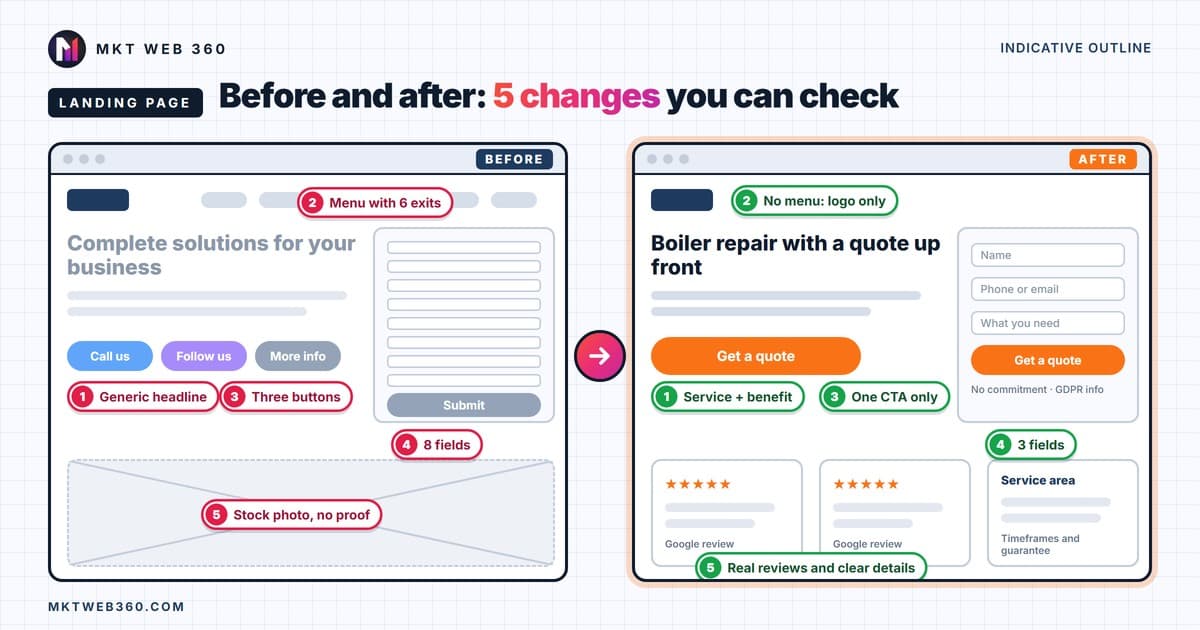
What a landing page is, annotated examples by type of small business, a 10-question check for a landing page that doesn't convert, and what Google Ads asks for.
Read article →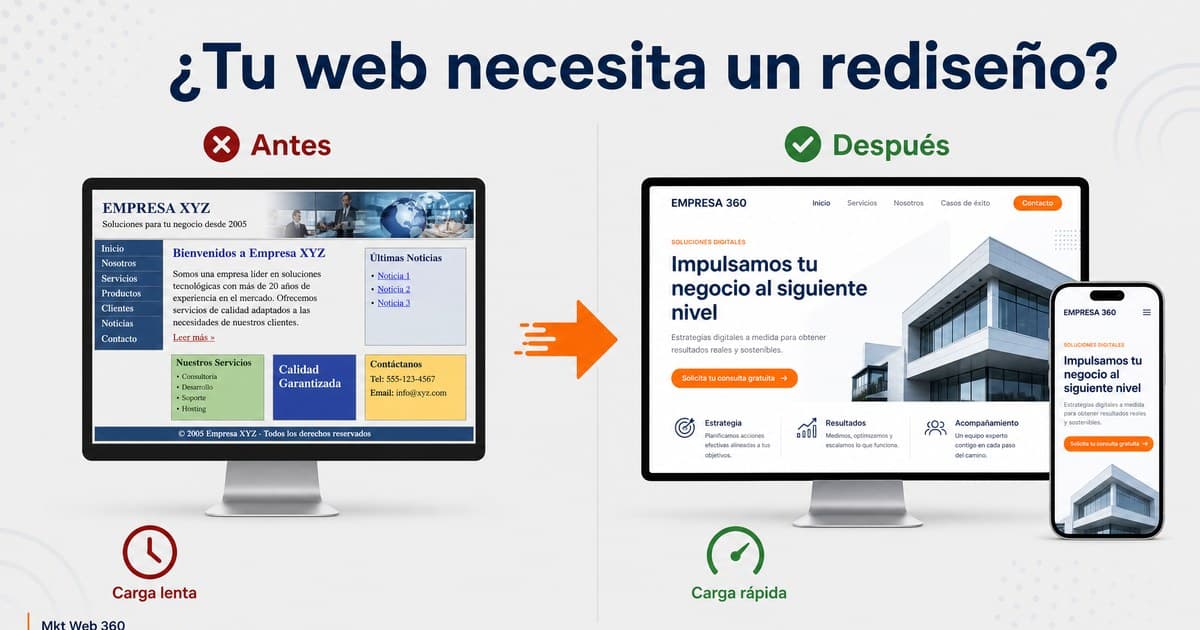
Signs Your Website Needs an Urgent Redesign
The clearest signs that your website is losing you sales and when it makes sense to redesign rather than keep optimising.
Read article →
How Much Does a Professional Website Cost?
What really influences the price of a professional website, what it should include and how to compare quotes.
Read article →