
Reputation
How to manage negative reviews on Google without losing customers
By José Marcos
A poorly managed negative review can cost more customers than the criticism itself. This guide explains how to respond, what to say and how to turn a criticism into an opportunity to show professionalism.
Why negative reviews matter more than you think
93% of consumers say online reviews influence their purchasing decisions. A business with only 5-star reviews is actually viewed with suspicion — buyers know that some negative feedback is natural. What matters more than having no bad reviews is how you respond to them. A professional, empathetic response to a negative review can actually increase trust in potential customers reading it.
Google also uses review signals (quantity, recency, rating) as a local ranking factor. Ignoring reviews — positive or negative — signals to Google that you are not actively managing your business presence, which can affect your ranking in local results.
How to respond to a negative review step by step
Step 1: Respond within 24–48 hours. Speed signals that you care. Step 2: Thank the reviewer for their feedback — even if it is critical. Step 3: Acknowledge the problem specifically without being defensive. Step 4: Apologise for the experience if it was genuinely negative. Step 5: Explain what action you will take or have taken. Step 6: Invite them to contact you directly to resolve the issue.
Never argue publicly. Even if the reviewer is factually wrong, arguing in public makes you look worse to the hundreds of future customers reading the exchange. Acknowledge, address, invite to resolve privately. Let future customers see that you handle criticism with professionalism.
Professional response templates for negative reviews
Template for a service complaint: 'Thank you for taking the time to share your experience, [Name]. We are sorry that the service you received did not meet your expectations — this is not the standard we hold ourselves to. We would like the opportunity to make this right. Please contact us at [email/phone] so we can address this personally.'
Adapt the template to the specific complaint — a generic response is worse than no response. Use the reviewer's name if visible, reference the specific issue, and always end with a direct contact invitation.
When and how to request removal of a fake review
Google allows you to flag reviews that violate their policies: reviews from people who were never your customers, reviews that contain spam or fake content, reviews from competitors, or reviews with prohibited content (hate speech, personal information, illegal content). Flag via Google Business Profile Manager {'>'} select the review {'>'} Flag as inappropriate. Google's review process takes 7–14 days and does not always result in removal.
Strategy to generate more positive reviews
The most effective way to manage negative reviews is to have so many positive ones that each negative one has minimal impact. Most satisfied customers do not leave reviews spontaneously — you have to ask. The best moment: immediately after a successful delivery, service completion or resolved support ticket. A simple SMS or email with a direct link to your Google review page converts at 15–25%.
Do not offer incentives for reviews — this violates Google's policies and can result in your listing being penalised. Instead, make it easy: a direct link, a QR code at your physical location, a follow-up email sequence. Volume and consistency over time is what builds a strong review profile.
Free diagnosis of your website in 24 h
SEO, visibility in AI and your Google Business Profile in the same report, with the highest-impact actions. No cost and no commitment.
Request free diagnosisNeed help with your digital marketing?
Tell us about your project and we'll get back to you within 24 hours.
Related articles
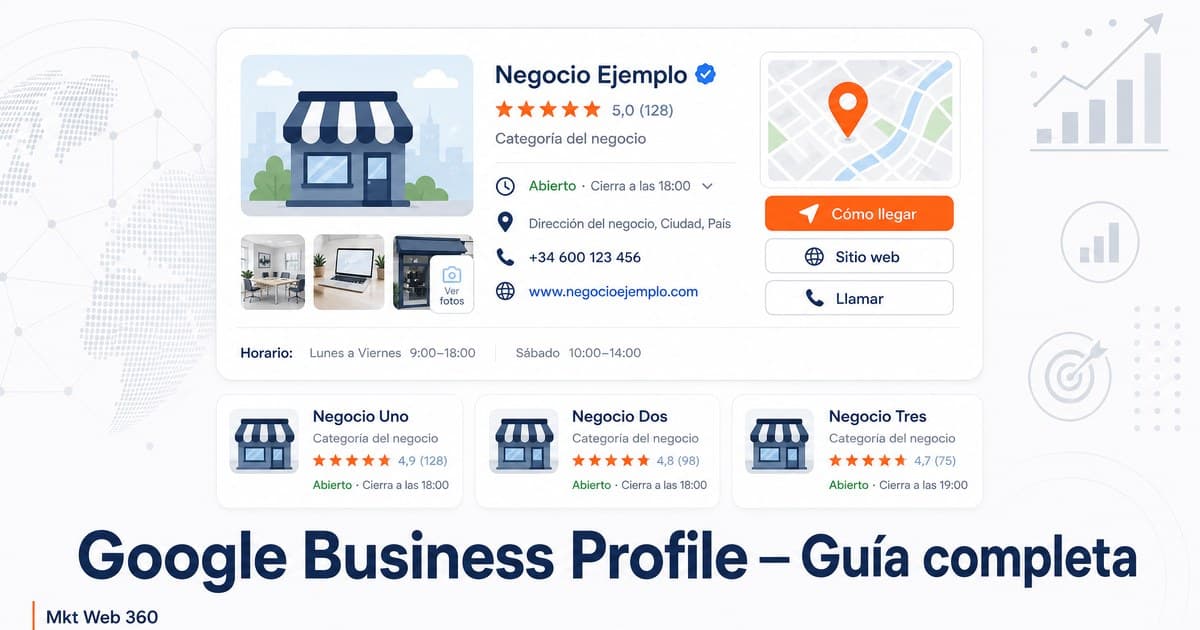
Google My Business for Businesses: Guide
Complete guide to Google My Business (now Google Business Profile). How to create, verify, optimise and manage your listing to attract local customers.
Read article →
Local SEO for Service Businesses in Your Area
What a service business needs to improve its local presence and attract more customers from Google in its area.
Read article →
24/7 Customer Service for SMEs Without Hiring
24/7 customer service for SMEs without hiring night staff: what an AI chatbot can handle alone, when to hand over to a person and what it costs.
Read article →