
SEO Local
Google My Business for businesses: complete guide to attract local customers
By José Marcos
Google My Business (now called Google Business Profile) is the most important free tool for local businesses. This complete guide explains how to set it up and optimise it to appear when local customers search.
What Google My Business is and why it matters
Google Business Profile (formerly Google My Business) is the free tool that controls how your business appears in Google Search and Google Maps. When someone searches for 'plumber near me' or 'restaurant in [city]', the local pack — the map with 3 business listings — is the most prominent result on the page. Appearing in this local pack is often more valuable than appearing in the organic blue links below it. Your Business Profile listing is what makes this possible.
A complete, optimised Business Profile provides potential customers with everything they need to choose you: your location and how to get there, your phone number, opening hours, website link, photos of your business, reviews from past customers and your response to those reviews. For mobile users (who make up the majority of local searchers), clicking on a Business Profile listing to call directly or get directions is the primary way they interact with local businesses.
How to create and verify your listing
Go to business.google.com and sign in with a Google account. Search for your business name to see if a listing already exists — Google sometimes creates automatic listings for businesses. If a listing exists, claim it. If not, create a new one. Provide your business name, category (choose your most specific primary category), location (address for physical businesses, or service area for businesses that serve customers at their locations), contact information and website.
Verification proves to Google that you are the legitimate business owner. Most businesses verify by postcard — Google sends a card with a verification code to your business address within 5-14 days. Some businesses can verify by phone, email or video call. Businesses with a verified Google Search Console account for their website may also have instant verification available. Until verified, your profile has limited functionality and won't show in maps.
How to optimise every field of your profile
A fully optimised Business Profile stands out and ranks better. Key fields to complete: Business name (use your exact legal name — adding keywords to your business name violates Google's guidelines and can lead to suspension), Primary category (the most important ranking factor — choose the most specific category that matches your primary service), Secondary categories (add all relevant additional service categories), Business description (750 characters maximum, include your main services and location, naturally incorporate keywords customers use to find businesses like yours).
Photos are critical — profiles with photos receive 42% more requests for directions and 35% more website clicks. Add at least: a logo, a cover photo, interior photos, exterior photos (so customers can recognise your business), team photos and photos of your products or services in action. Update photos regularly — fresh content signals to Google that your listing is actively managed. Ensure all contact information is correct and consistent with your website.
Google posts: how to keep your listing active
Google Posts are short content updates (up to 1,500 characters plus a photo) that appear directly on your Business Profile in search results. Types of posts include: What's New (general updates about your business), Events (promote upcoming events or specials), Offers (share promotions with start and end dates), and Products (highlight specific products or services). Posts remain visible for 7 days before expiring (except Event posts, which expire on the event end date).
Regular posting signals to Google that your listing is actively managed, which can positively affect your local ranking. Aim for at least 2-3 posts per month. Use posts to promote seasonal offers, highlight new services, share news about your business, or simply demonstrate activity. Include a clear call to action in each post — 'call now', 'book an appointment', 'learn more' — and link to a relevant page on your website where applicable.
Reviews strategy for Google My Business
Reviews are the most powerful element of your Google Business Profile. Businesses with more reviews, higher ratings and more recent reviews rank better and receive more clicks. The review generation strategy that works: ask every satisfied customer for a review immediately after the service interaction, provide a direct link (find it in your Business Profile dashboard under 'Ask for reviews'), make the process as simple as possible and respond to every review within 24-48 hours.
Never offer incentives for reviews — this violates Google's policies and can result in review removal or account penalties. Never create fake reviews or ask staff to review the business — Google's detection systems are sophisticated. Focus on the quality of service that generates genuine positive reviews, then make it systematic to ask for those reviews. Businesses that consistently ask every customer for reviews typically accumulate 10x more reviews than those who ask occasionally.
More visibility on Google, without paying per click
Technical audit, keyword strategy, on-page optimisation and link building to attract customers organically and sustainably.
View SEO serviceNeed help with your digital marketing?
Tell us about your project and we'll get back to you within 24 hours.
Related articles
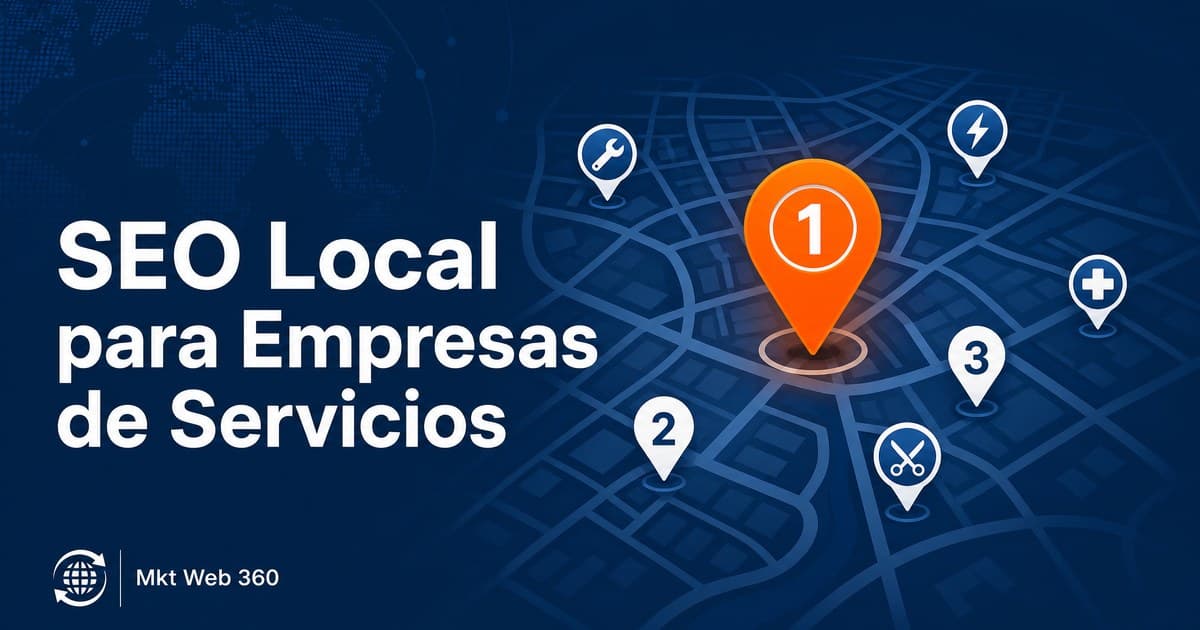
Local SEO for Service Businesses in Your Area
What a service business needs to improve its local presence and attract more customers from Google in its area.
Read article →
How a Freelancer Can Get Clients Online
Strategies for freelancers to attract clients online. SEO, LinkedIn, referrals, portfolio and positioning to grow your client base.
Read article →
Digital Marketing for Freelancers in 2026
Digital marketing for freelancers in 2026: the order that works, from Google Business Profile and local SEO to LinkedIn and content, to win clients online.
Read article →