
Shopware · Migration
Migrating to Shopware Without Losing SEO
By José Marcos
A well-planned migration retains more than 90% of traffic from the first week. Here is the process that separates a successful migration from a disaster.
Before migrating: auditing valuable URLs
The first step is not technical — it is inventory. You need to identify which URLs have SEO value: those receiving organic traffic, those with backlinks, and those ranking for relevant keywords. Cross-reference Google Search Console data (real traffic and rankings) with a full Screaming Frog crawl (all existing URLs). The result is the list of pages that cannot be lost under any circumstances.
The 301 redirect map: the critical document
Every valuable URL from the old store must redirect with a 301 to its equivalent in the new one. That redirect map — a document that pairs old URL with new URL, one by one — is the most important deliverable of the entire migration. The data is clear: stores that migrate with a correct redirect map retain more than 90% of their organic traffic from the first week. Those that improvise do not.
URL structure: PrestaShop vs WooCommerce vs Shopware
Each platform builds URLs differently and this shapes the redirect map. PrestaShop tends to use numerical IDs in the path; WooCommerce works with slugs based on the product or category name; Shopware allows configurable URL templates, which are more flexible. Understanding the differences avoids broken redirects and allows you to design a clean URL structure in Shopware that also improves on the original.
Planning to migrate your store to Shopware?
We plan the complete SEO migration — audit, redirect map and launch — so you do not lose the traffic you have worked so hard to build.
Contact usLaunch day: the protocol
The migration is executed in a strict order and, ideally, in a single day. First, everything is prepared and validated in a staging environment: redirects, content, schema and performance. You verify that every redirect works and that there are no broken links. Only then is the DNS switched to point to the new site. And on the same day, the new sitemap is submitted to Google Search Console to speed up crawling of the new structure. Improvising the order is the number one cause of traffic drops.
Post-migration monitoring
The work does not end at launch. In the following weeks you monitor Search Console coverage (404 errors, detected redirects, indexation), watch the positions of critical keywords and fix any redirect that was missed. A migration that is properly followed up recovers and surpasses previous traffic; one that is abandoned leaves money on the table.
Migrate to Shopware without losing your SEO
We support you through the entire migration: audit, redirect map, launch protocol and monitoring to preserve your traffic and improve it.
Frequently asked questions
Will I lose traffic when migrating to Shopware?
What is the redirect map and why is it so important?
How do I know which URLs I cannot afford to lose?
How long does a Shopware migration take?
What do I do after migrating?
Free diagnosis of your website in 24 h
SEO, visibility in AI and your Google Business Profile in the same report, with the highest-impact actions. No cost and no commitment.
Request free diagnosisRelated articles

WooCommerce vs Shopify for Your Store in 2026
WooCommerce vs Shopify in 2026: an honest comparison of 3-year costs, control and commissions, with a recommendation by business type and a word on Shopware.
Read article →
SEO for Ecommerce: Errors That Slow Sales
The most common SEO errors in ecommerce and what to review to improve visibility, qualified traffic and sales.
Read article →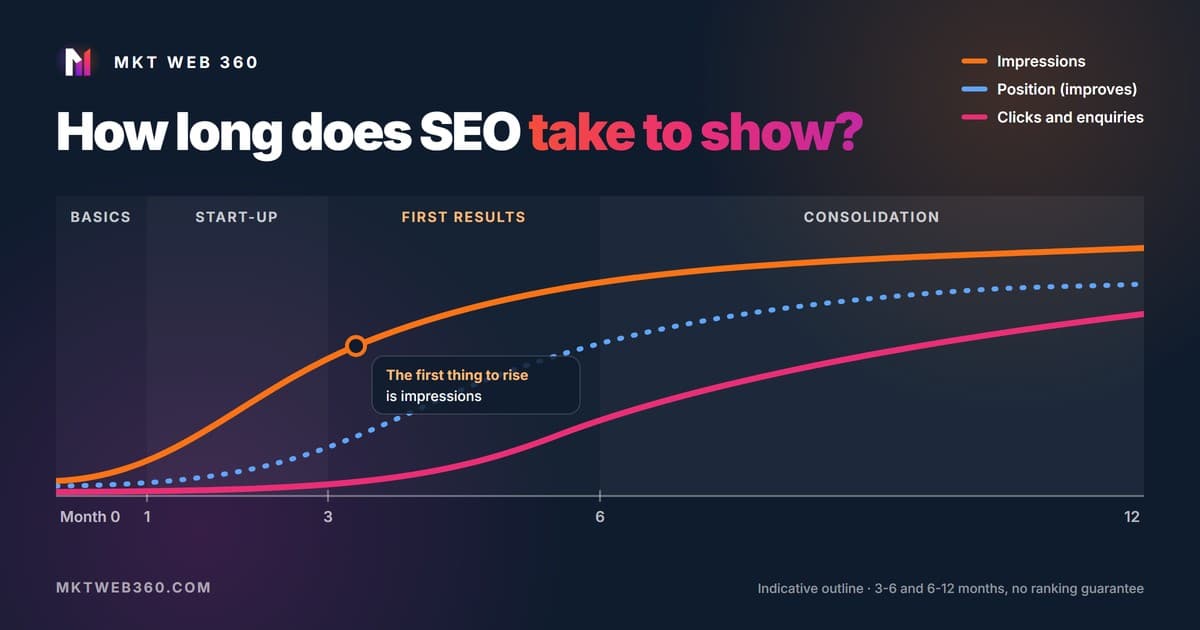
How long does SEO take to work: what happens month by month and what it depends on
How long SEO takes to work: usually 3 to 6 months for first results and 6 to 12 to consolidate. What happens in each phase and how to check Search Console.
Read article →