
Chatbots
Chatbot Lead Generation: Capture and Qualify
By José Marcos
A well-configured chatbot can capture leads around the clock, qualify them with strategic questions and pass them to the CRM with full context. In this practical guide we look at how to build a chatbot capture system that feeds your sales funnel.
Most websites still rely on a contact form for all their lead capture. It works, but leaves a lot of value on the table: it does not answer questions, does not qualify and is not available when the visitor genuinely has interest. A well-thought-out chatbot covers exactly that gap.
Why the chatbot captures more leads than the form
The form introduces friction: it asks for data upfront, does not answer questions and the visitor often abandons it. The chatbot reduces that friction because it converses, resolves objections in the moment and is available 24/7, even when your team is not.
Response speed is decisive. Contacting a lead within the first 5 minutes can multiply the conversion probability by 9 compared to waiting hours. A chatbot responds instantly, something no human team can guarantee throughout the day.
How to structure a lead capture chatbot
The first principle is to give value before asking for data. Instead of demanding the email upfront, the chatbot helps, answers a question or guides the visitor towards what they are looking for, and only then asks for contact information.
A correct flow usually follows four steps: hook with a relevant message, add value by resolving the initial query, qualify with key questions and, finally, capture the data and log the lead. That same conversational approach works well alongside a well-designed landing page as an entry point.
Which qualifying questions to include
Qualifying questions depend on the type of business, but the objective is always the same: distinguish who is worth the sales team's time. They usually revolve around the specific need, the timeframe, the approximate budget and the interlocutor's role in the decision.
A service business will ask about the challenge they want to solve and the urgency; an e-commerce site, about the product and the volume. The key is not to interrogate all at once, but to intersperse the questions naturally in the conversation. This qualification is especially useful when paid advertising traffic arrives, where every visit has a cost.
Free diagnosis of your website in 24 h
SEO, visibility in AI and your Google Business Profile in the same report, with the highest-impact actions. No cost and no commitment.
Request free diagnosisHow to integrate the chatbot with the CRM
Capturing leads is of little use if they stay loose in a chat thread. CRM integration is what turns the chatbot into a real lead-generation machine: each qualified lead enters directly into HubSpot, Salesforce or Pipedrive with its full context.
This way, the sales team receives not just a name and email, but the full conversation: what they were looking for, what they answered to the qualifying questions and at what time they made contact. Understanding what a business chatbot is and why you need one provides the foundation for this piece.
Measuring the impact of the chatbot on lead capture
Without metrics there is no possible improvement. The figures worth tracking are the chatbot conversion rate (which typically sits between 10% and 25% of visitors who interact), the qualification rate of the captured leads and the time between capture and the first sales contact.
The metric that closes the loop is the conversion-to-customer rate: how many of those leads end up buying. Cross-referencing this data allows you to refine the questions, adjust the messages and detect at what point in the flow interest is lost, so you can optimise the system continuously.
Frequently asked questions
Can the chatbot replace the sales team?
What happens with leads captured outside office hours?
Can the chatbot follow up with leads that did not convert?
Can the chatbot work across multiple pages of the website?
Related articles
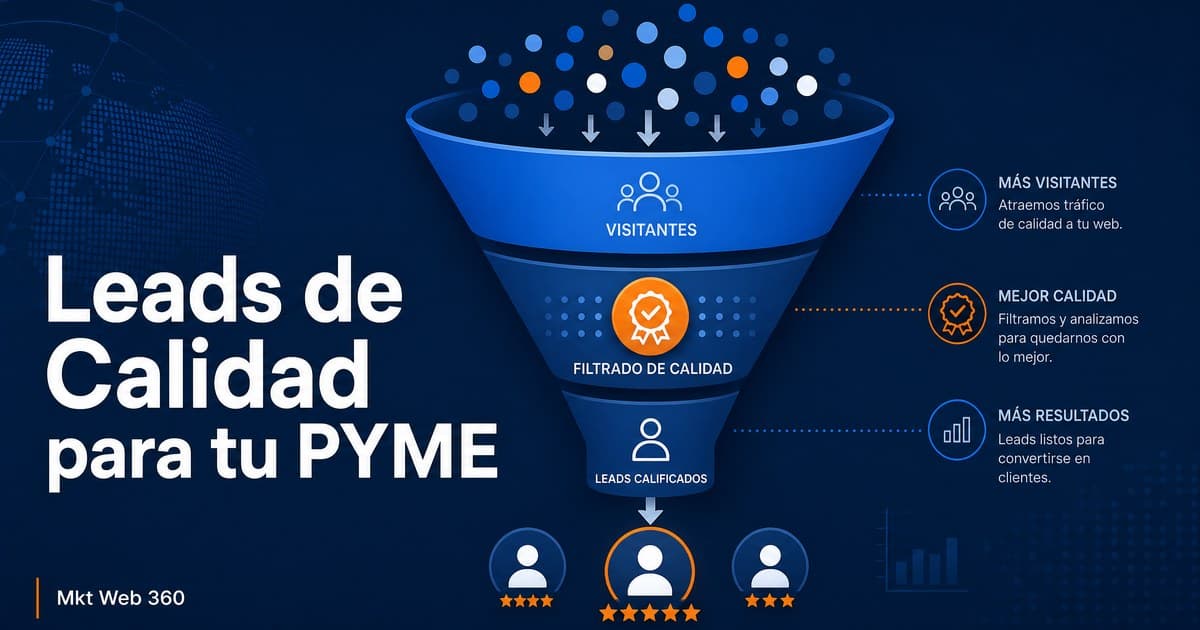
How to Generate Quality Leads for Your SME
How to generate quality leads for your SME by improving message, segmentation, channels, website and sales process.
Read article →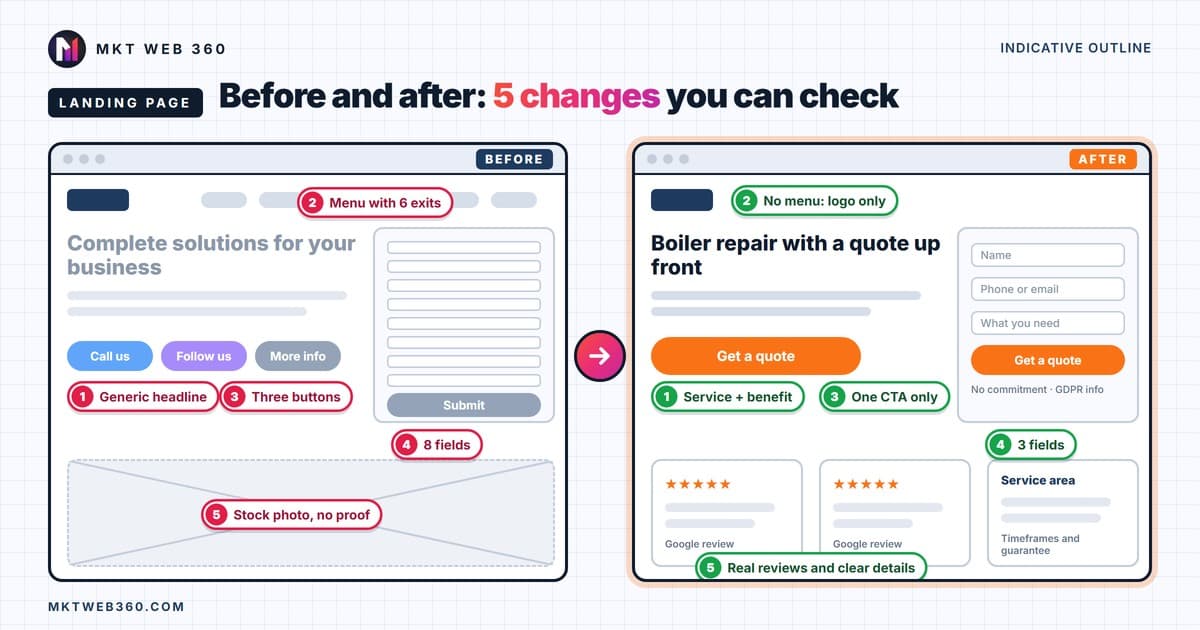
Landing Page: What It Is, Examples That Convert, Mistakes
What a landing page is, annotated examples by type of small business, a 10-question check for a landing page that doesn't convert, and what Google Ads asks for.
Read article →
AI Chatbot Compliance: GDPR and EU AI Act
AI chatbot compliance with GDPR and the EU AI Act: what applies from 2 August 2026, the four elements every business chatbot needs and a checklist.
Read article →